New PC: what to check before retiring your old computer
Your new PC is ready, but the old one still contains your everyday files, settings and applications. Break the move into three stages: prepare, copy and check. Keep the old computer intact until you have completed those checks.
List what matters
Look through Documents, Pictures and Desktop, but also files stored elsewhere: useful downloads, archives, video projects, document templates and exports from specialist software. List the applications you use each week. This helps prevent a missing folder from becoming a surprise when you next need to work.
Choose how to copy your files
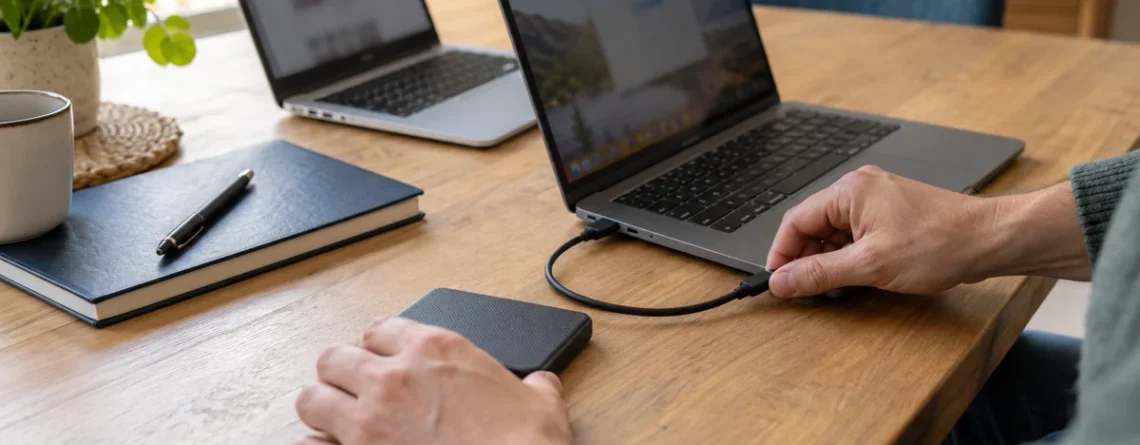
An external drive works for a selected manual copy. Cloud synchronisation can make folders available if they have actually finished uploading. Check available space, synchronisation status and any files that remain only on the old disk. Keep an independent copy of essential documents during the move.
On compatible personal PCs, Windows Backup can help restore certain folders and settings using the same Microsoft account. It does not automatically reinstall every application: software outside Microsoft Store may need to be downloaded again.
Prepare your accounts and licences
Before disconnecting the old PC, check that you can sign in to your email and software publisher accounts. Find your invoices and exact software editions without sharing passwords or posting purchase information publicly. Installing on a new machine depends on the licence: transfer rights are not the same for every edition.
For Microsoft 365 and applicable consumer editions of Office, the account linked to the purchase is used to reinstall applications. Read Microsoft’s explanation of the associated account rather than creating multiple accounts or repeatedly entering a product key.
Test before erasing anything
- Open several recent and older documents, including a large file.
- Check that important photo collections and archives are complete.
- Launch your applications and verify their edition and activation.
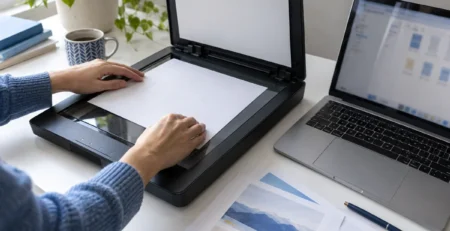
- Test the accessories you actually use, such as a printer, scanner and external drive.
- Keep the old copy until your normal work is running correctly.
Seeing a filename is not enough: open the file itself. A dated reference copy also helps distinguish transferred files from work created after the move.
Missing an application? Check before buying again
Find the existing purchase and review its usage rights first. If you need a new plan, compare compatibility and device allowances in the software catalogue. To organise ongoing copies, explore backup software.