
Ashampoo PDF Pro 4

Original price was: 68,57 £.16,63 £Current price is: 16,63 £.
- Description
Description
Ashampoo PDF Pro 3
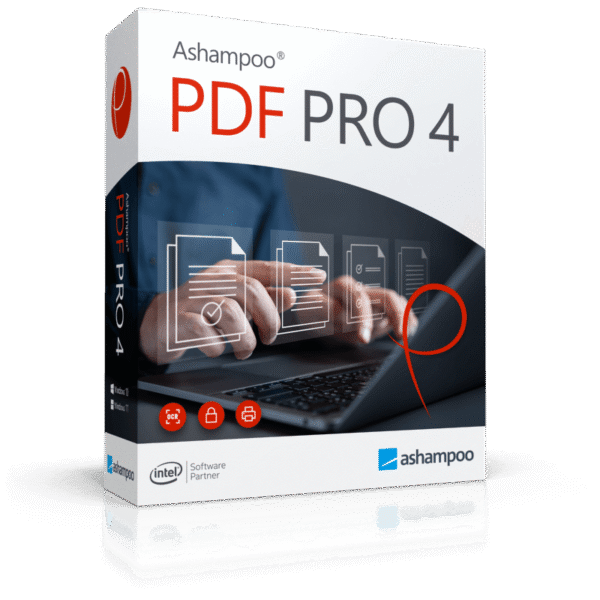
offers a convenient and stylish ribbon interface, as well as a dark mode to reduce eye strain and boost productivity. This comprehensive software simplifies your PDF editing, providing tools to create, convert, edit, assemble, and protect your PDF files. With the ability to create signed and encrypted files, you get optimized and secure PDFs wherever you are.The advantages:– Individual access bar for all important orders.
– Convenient zoom in the status bar.
– New dropdowns for essential functions.
– Digital signatures for reliable PDFs.
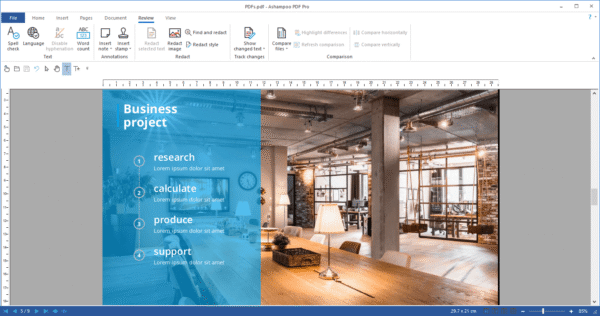
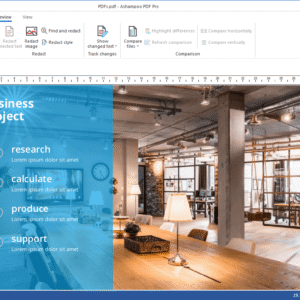
– Quick and accurate comparison of two documents.
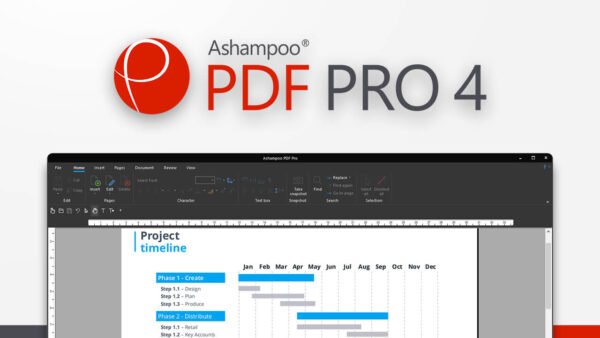
– PDF/A export for sustainable archiving.With Ashampoo PDF Pro 3, editing PDF documents becomes as intuitive as in a word processor. Its familiar ribbon interface offers an easy transition for users of modern Office programs. The commands are positioned similarly to those in Microsoft Word or Ashampoo Write, simplifying the editing of PDF files.
To Protect your eyes during long working sessions, the built-in dark mode reduces eye strain. This feature allows for increased productivity, making it ideal even for professional use.
Easily create new PDFs by converting documents from any Windows program. Ashampoo PDF generates high-quality PDF files from your prints. Additionally, it offers the ability to create compact PDFs for online distribution, by adjusting the resolution of graphics.
The reimagined and customizable interface provides quick access to essential features, allowing you to efficiently organize your workflow. Ashampoo PDF Pro 3 adapts to your needs for an optimal user experience.
Comfortably convert your PDF files to editable documents such as Microsoft Word or Ashampoo Office is a handy feature. You can also convert to formats like HTML, EPUB, JPG, or RTF, and transform scanned pages into editable PDF files using the OCR function.

![[:fr]McAfee Total Protection Antivirus et sécurité Internet, 3 appareils[:]](https://prixsoft.com/wp-content/uploads/2025/05/MCafee-Internet-Security-3-appareils-2024-01-24T160114.362.png)
![[:fr]McAfee Safe Connect VPN, Sécurité et protection de la confidentialité sur Internet, 5 appareils 1an 2022[:]](https://prixsoft.com/wp-content/uploads/2025/05/MCafee-Internet-Security-3-appareils-2.png)


![[:fr]Adobe Photoshop Elements 2025 Licence 3 ans[:]](https://prixsoft.com/wp-content/uploads/2025/07/adobe-photoshop-elements-2025-windowsmac-85x85.png)
![[:fr]Microsoft 365 Personnel[:]](https://prixsoft.com/wp-content/uploads/2025/05/MCafee-Internet-Security-3-appareils-38.png)
![[:fr]WinZip 30 Standard[:]](https://prixsoft.com/wp-content/uploads/2026/01/mmmmmmmmm-85x85.jpg)
![[:fr]WinZip 30 Standard[:]](https://prixsoft.com/wp-content/uploads/2026/01/c-85x85.png)
![[:fr]Pinnacle Studio 26 Ultimate (2023)[:]](https://prixsoft.com/wp-content/uploads/2026/01/m-85x85.avif)
![[:fr]Pinnacle Studio 26 Ultimate (2023)[:]](https://prixsoft.com/wp-content/uploads/2026/01/mmm-85x85.jpg)
![[:fr]Pinnacle Studio 26 Standard (2023)[:]](https://prixsoft.com/wp-content/uploads/2026/01/l-85x85.png)
![[:fr]Pinnacle Studio 26 Standard (2023)[:]](https://prixsoft.com/wp-content/uploads/2026/01/lll-85x85.avif)


![[:fr]Ashampoo Driver Updater[:]](https://prixsoft.com/wp-content/uploads/2023/11/dddd-85x85.png)
![[:fr]AOMEI Backupper Technician 1 Year[:]](https://prixsoft.com/wp-content/uploads/2025/05/MCafee-Internet-Security-3-appareils-88.png)