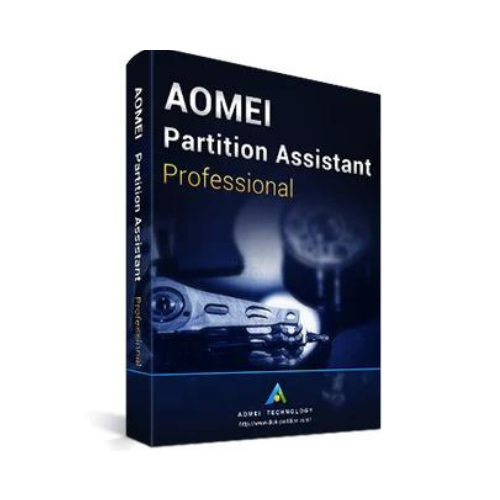
AOMEI Partition Assistant Professional
32,47 £
Manage disk space and partitions on a Windows PC. Create, resize and organise partitions.
- Description
Description
What is this software for?
Manage disk space and partitions on a Windows PC.
Main uses
- Create, resize and organise partitions.
- Prepare disk migration using the edition’s tools.
- Check disk health before a sensitive operation.
Your edition and plan
Professional: 2 PCs according to this reference’s description. The term is not specified.
What distinguishes this edition
Back up data before changing partitions. Professional, Server, Unlimited and Technician have different usage rights. Unlimited covers one company; billable services belong to Technician. Version 9.7 is not replaced by a newer release without upgrade rights.
Installation and activation
Download the matching AOMEI edition from the official site, open its registration screen and enter the code for that edition. Do not substitute Professional for a Server or Technician edition.
Questions before you choose
Who is this software for?
Manage disk space and partitions on a Windows PC.
Which edition and plan should I choose?
Professional: 2 PCs according to this reference’s description. The term is not specified.
What should I do before modifying a disk?
Back up data before changing partitions. Professional, Server, Unlimited and Technician have different usage rights. Unlimited covers one company; billable services belong to Technician. Version 9.7 is not replaced by a newer release without upgrade rights.
How do I install and activate the software?
Download the matching AOMEI edition from the official site, open its registration screen and enter the code for that edition. Do not substitute Professional for a Server or Technician edition.
What if installation or activation fails?
Check the application name, version, system and account used. Keep the error message and contact PrixSoft with the order number. Never publish your complete key in a review or public space.